Honestly, I’ve never seen the attraction of an Apple iPad. I always found them a little bulky for what they were, sure it has a great screen and is pretty wonderful for checking email but in my mind I’ve always felt a Windows tablet would better suit that form factor. So enter the Nexus 7, a small yet perfectly formed Android tablet manufactured by Asus for Google.
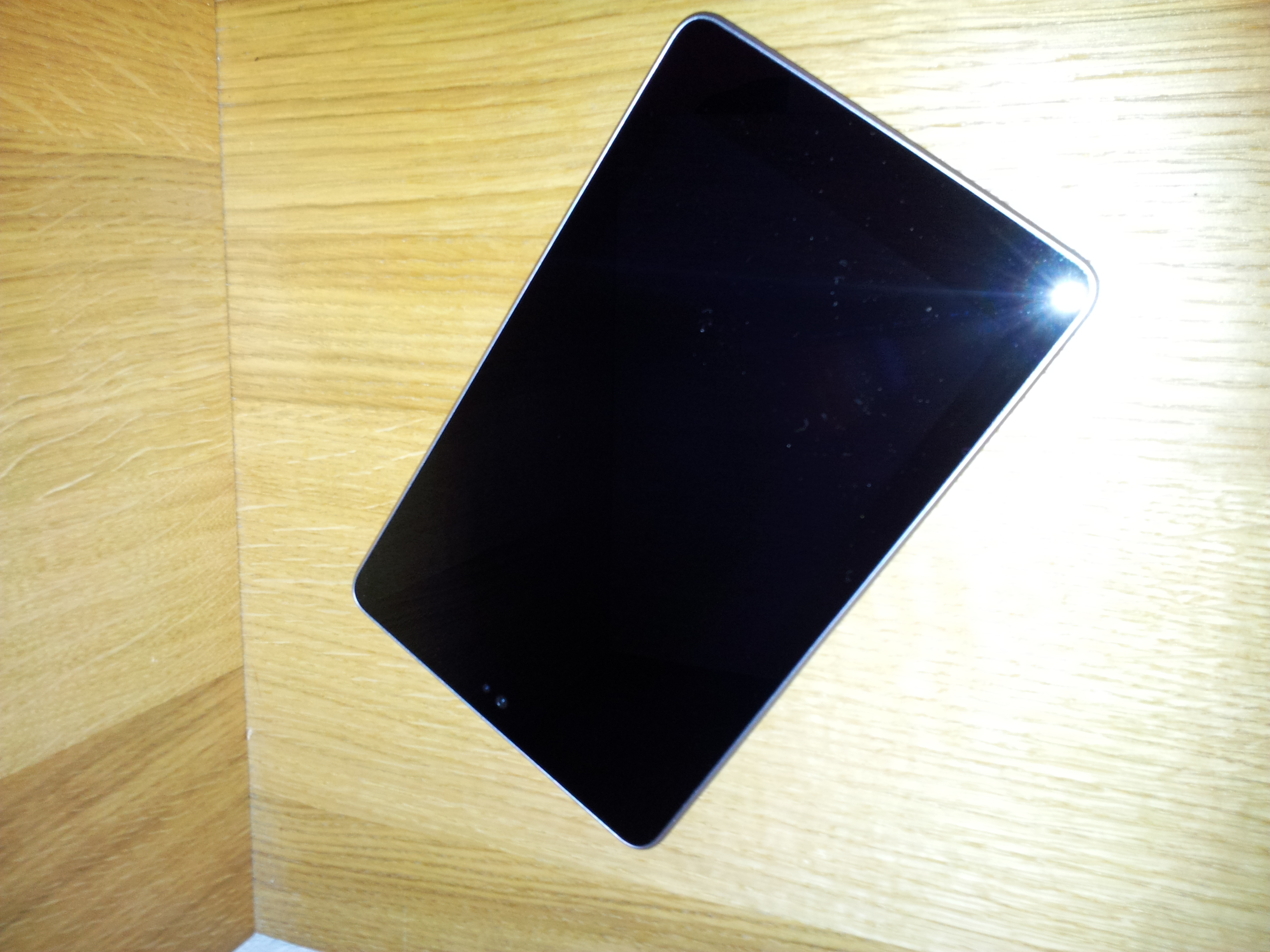
The Specs;
- 7″ 1280×800 HD display
- 8GB or 16GB models available (16GB Reviewed)
- Weighs 340g
- 4325 mAh battery, rated for 8 hours of active use
- Quad-core Tegra 3 processor
- Comes loaded with Android 4.1 (Jelly Bean)
- The usual other features, GPS, Microphone, front facing camera
Great specs and Google is reportedly producing the Nexus 7 at below cost price which explains its fantastic price tag of £200 (At the time of writing and for the 16GB version). There are some key features missing however, a rear facing camera and a 3G connection being the most noticeable.
I’ve been playing with my Nexus 7 for a couple of weeks now and the combination of the Tegra processor with Jelly bean is wonderful, it is quick and smooth to use and with the constant evolution of the Android OS all of the niggles of ICS have evaporated. For example there is no longer a couple of different menu’s to change the display icons, quick launch icons or wallpaper. Everything is done just by long clicking, dragging and dropping and the cool new flicking feature where you can just throw icons about.
But you don’t use a tablet just to create a lovely desktop, right? I’ve found the email client great with Exchange or POP3 email accounts with the usual features you’d expect from a larger screen such as your mailbox folders down the left and your emails along the right.
Chrome is now included as the default browser and is pretty much identical to the desktop version which is a nice touch, increasing the consistency between my desktop and tablet experience on the internet.
Sound quality is good, it won’t replace a speaker system in a hurry but as far as integrated speakers go it certainly fits the purpose and doesn’t let down your Spotify playlists!
Obviously as this is a Wi-Fi only tablet you will want to ensure that you keep some content downloaded for offline playback and at the moment all Nexus 7’s come with Transformers: Dark side of the moon pre-loaded. As an introductory offer (I’m sure this will end shortly) Google are also giving all customers £15 of credit to spend on the Google Play store to get them started after purchase which is a nice touch.
All in all I’ve used my tablet mainly for email, internet, some games and IRC. I’ll go into more detail on the apps in another post and I also have a really solid case for it which fits it like a dream that I’ll review later on.
For now, all I can say is that if you are looking for a tablet but don’t want to spend the earth, want to get email and the web but won’t be too worried about using it out and about then go for the Nexus 7. Even if you do want to roam at least you can always tether it to your phone for data on the move.
Overall I’d rate this at 4.5 stars, the only reason I’ve not given it 5/5 is purely because it is lacking a 3G connection. Without this it is still a magnificent beast, just that it is tied to wherever you can find Wi-Fi.