If you’ve visited this site before you’ll know I’ve had a bit of a long running saga with sorting out the battery life on my Samsung Galaxy S2 after upgrading it to ICS. Well I have some good news.
The last response I received from Samsung was to do a complete factory reset as “sometimes old settings remain after an upgrade”. Obviously I completely disregarded this as it sounded rubbish, especially after they had initially told me there was a known issue with the battery (and then sent me an identical battery). Anyway, I will give you the steps to do what I did in full and hopefully it will help you get a usable phone back;
- If you are using a Samsung phone, plug it into your PC and use the Klies software to do a full backup of everything. Bear in mind that your apps may be listed on Google Play but it won’t restore them after a reset so have a look at some other apps that will do that for you (there are a few knocking about).
- After your backup head to your settings folder on your phone and select “Accounts and sync”. If you have a Samsung account listed here then select it and delete it by clicking on it and pressing remove account in the bottom right. It will still exist, but you have to remove it from your phone before starting the backup (don’t ask me why, it just throws an error if you don’t delete it first).
- From the main settings folder, select “Back up and reset” and then choose “Factory data reset”. This will start the process of restoring your phone.
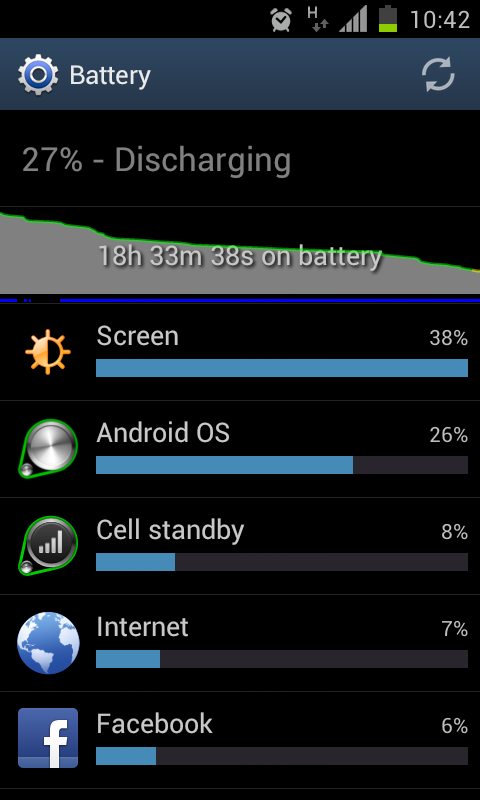
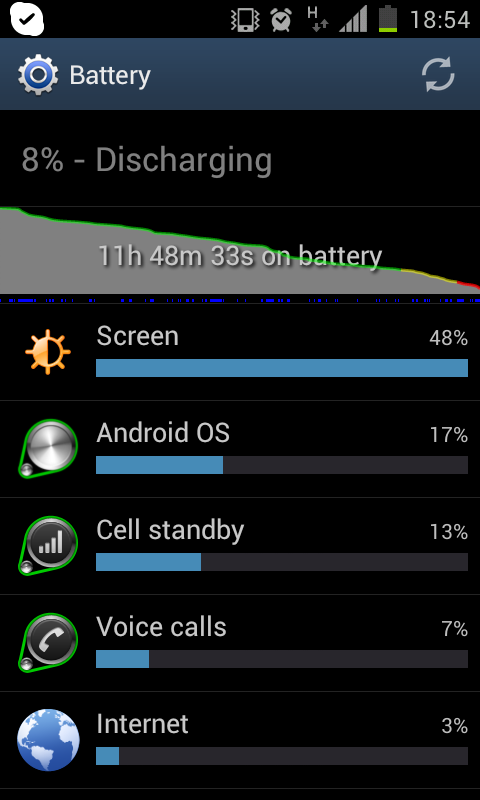
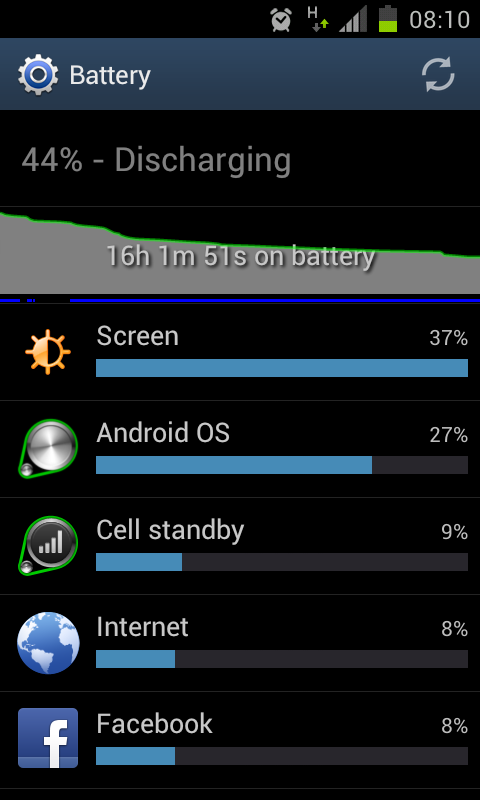
After it has done its magic and you’ve got everything set up again, you will hopefully find your battery life improved dramatically, as per the screenshots below. If this works for you please feel free to leave a comment below, would be great to hear if this is working for people.